Sign Up for MyHallWizard
In this article
Signing up for MyHallWizard is really easy. Just follow these simple steps.
Step 1: Register
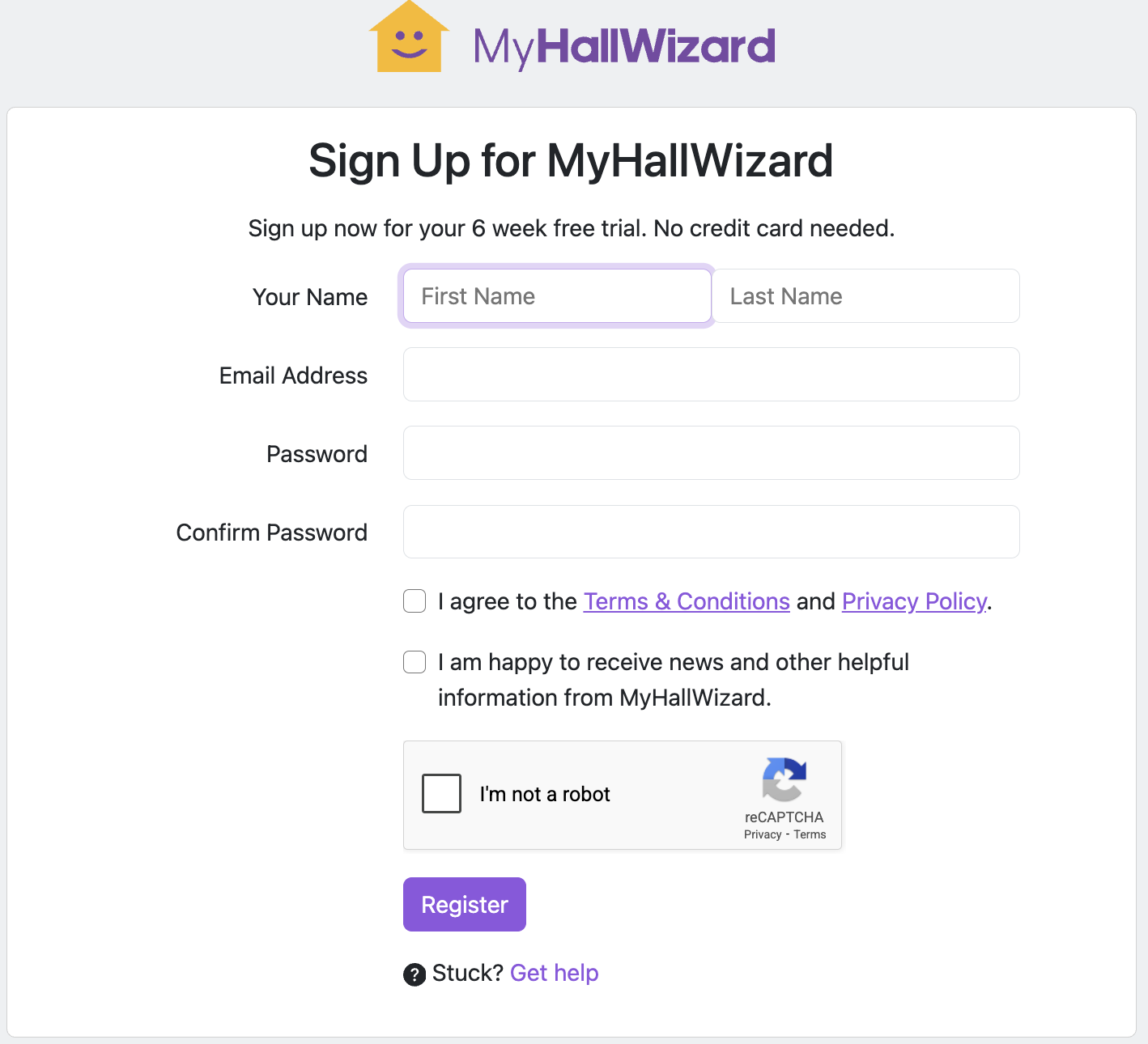
Go to https://app.myhallwizard.com/register and complete the registration form:
Enter your First Name and Last Name
Enter your Email address
Choose a Password (click the guidance icon for password requirements) and confirm it
Read and accept the Terms & Conditions and Privacy Policy
Complete the reCAPTCHA verification
Click Register
Step 2: Verify Your Email
You will receive a verification email. Click the link in the email to activate your account.
If you don't receive the email, check your spam or junk folder. If it's still not there, you can request another verification email from the screen.
Step 3: Set Up Your Venue
Once your email is verified, you can set up your first venue. See Create a New Venue for detailed instructions.
Need Help?
If you have any difficulties signing up, please contact our support team